
Waybar is great, it keeps information like datetime, battery, network, etc. at a glance on the desktop. With Hyprland, it also shows workspaces and running applications.
As great as it is, there is one problem. It takes up screen space.
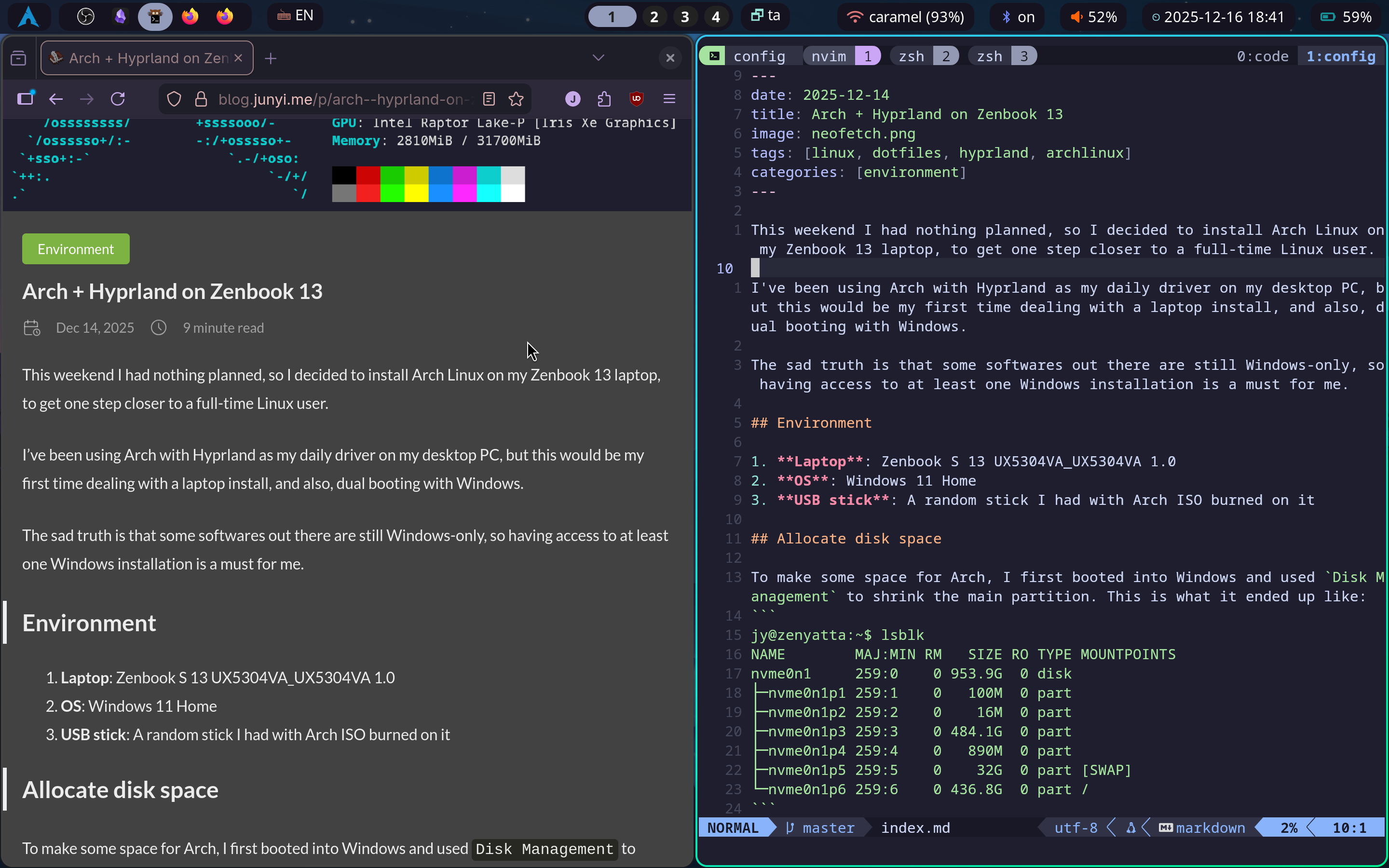
This is a huge issue on my 13" laptop screen.
Strategizing
From what I found online and what I experimented, there were two relatively easy ways to hide Waybar.
- Toggle visibility with a keybind: The most straightforward way. Just needs a keybind in Hyprland config to send signals to Waybar.
- Only show when mouse is at a specific region: Windows and some Linux DEs do it this way. Seems like it needs some scripting to do it on Hyprland, but still doable.
During the research I learned from the wiki that Waybar supports two types of signals:
SIGUSR1SIGUSR2
Both are listened by Waybar, and their behaviors can be configured in Waybar config file as: show, hide, toggle, reload, noop.
The ones interested me were show and hide. These would allow me to do control visibility from anywhere in my Hyprland config.
Now, with my workflow, I want to minimize the usage of my mouse. So option 2 was out. I also wasn’t a big fan of option 1, since it I would have to remember to hide the bar every time I check something on it.
My Solution
Then I remembered something I did in Final Fantasy 14. There was an option to show a particular UI element like a menu bar only when a key is held down (or was it toggling between two menu bars? I don’t remember exactly). This behavior was what I wanted.
I wanted to show Waybar only when meta key is held down.
Since all of my window and workspace-related keybindings used the meta key, it would allow me to:
- Hold down meta key to show waybar, quickly glance workspaces, apps, etc.
- Input rest of the keybinding, and waybar would be hidden automatically when meta key is released.
When I want to check some info on waybar, I would just briefly hold down meta key.
Waybar config
Aside from some styling changes, I just needed to add these two lines to the waybar config file ~/.config/waybar/config.jsonc.
|
|
Quick test:
|
|
Hyprland config
On Hyprland side, things get a little tricky.
The keybinding itself was pretty straightforward. All I need was binds for holding/releasing in ~/.config/hypr/hyprland.conf.
|
|
The submap issue
However, as I tested it, I found that the bindrt did not work in one specific scenario: when I entered a submap with the meta key held down.
Waybar would stay visible after I’ve entered the submap and released the meta key, which is okay but not expected. It’s actually a pretty good way to remind myself that I’m in a submap.
It would then stay open when I exit the submap, which is expected, but not okay. Obviously there’s nothing to trigger the SIGUSR2 when exiting the submap, so it stays there. It would stay there until I press the meta key again, which is a bit annoying.
Since this is a very specific problem, I went with a very specific solution, just by launching a tiny script to monitor submap status and hide waybar when exiting a submap.
waybar-submap-monitor.sh
|
|
And launched it in the Hyprland config:
|
|
The outcome
With that, I had a waybar that only shows when meta key is held down, with the added bonus of showing the active submap.