
One of the reasons I set up Ceph RGW was to provide object storage for my self-hosted GitLab instance. Up to this point it had been relying on the bundled MinIO deployment for object storage, but as I pointed out in the previous post, it would mean some extra layers of indirection upon Ceph’s built-in object storage.

Also,
By default, MinIO is enabled out of the box, but is not recommended for production use. When you are ready to disable it, run –set global.minio.enabled: false. — Using MinIO for Object storage
So I set out to migrate everything from MinIO to RGW.
Environment
- Ceph: 19.2.3 Squid, installed via Proxmox APT repository
- Kubernetes: v1.33.4+k3s1
- GitLab: Helm chart v9.6.0
Data migration
Before anything, data must exist in RGW. Initially I tried migrating data on my local machine using
|
|
but the port forward kept dropping connections during large transfers.
So I gave a load balancer IP to MinIO service temporarily:
|
|
Then I obtained MinIO access keys from GitLab secret:
|
|
and configured rclone on my local machine (~/.config/rclone/rclone.conf):
|
|
Then I used a script mig_gitlab.sh to do the work:
|
|
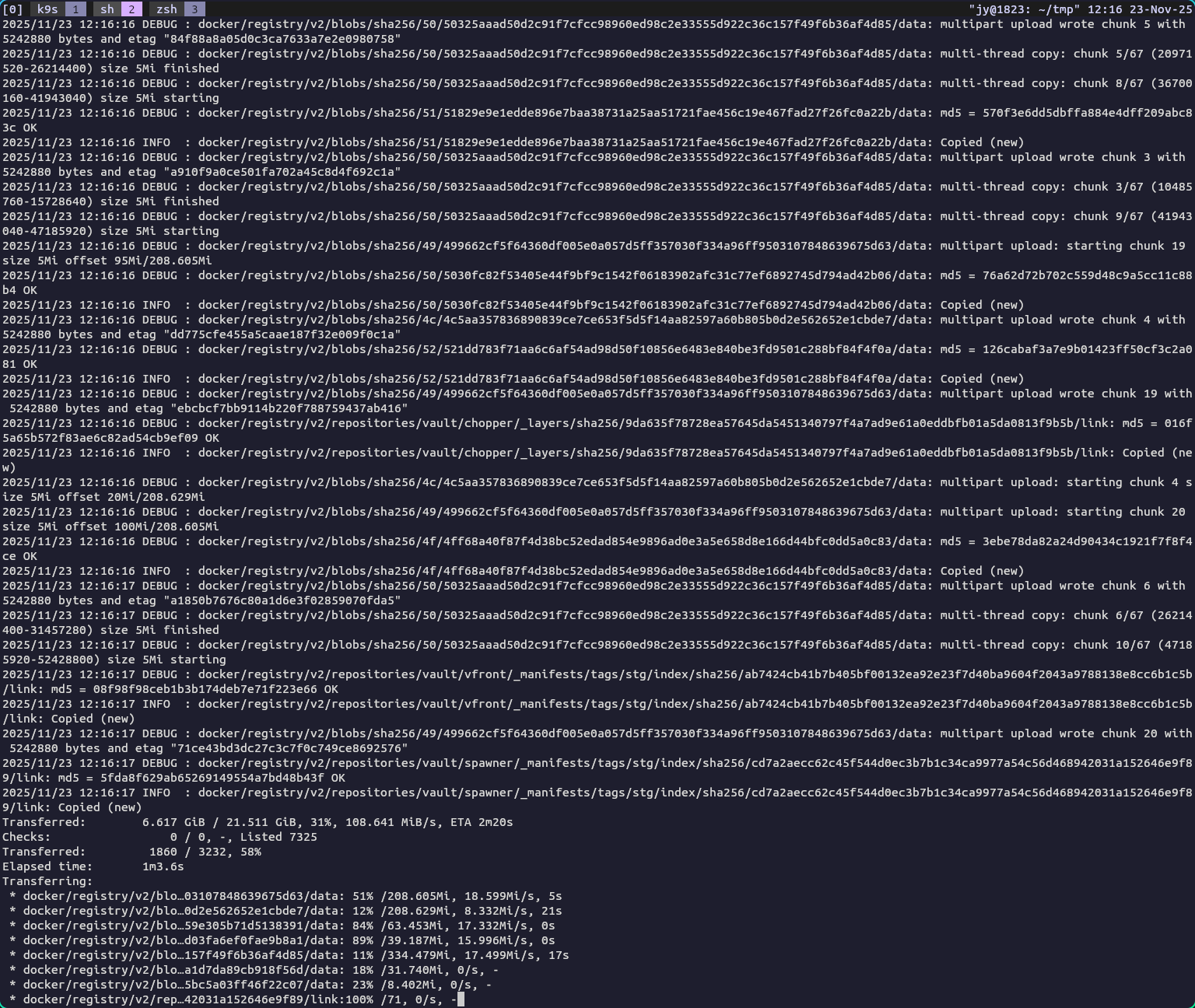
The logs turned out to be useless, but it was pretty fun to watch the progress bars fly by.
Configuring the chart
With the data in place, now it’s time to configure GitLab to use RGW. It took me a few attempts to configure everything correctly, but GitLab’s helm chart was intelligent enough to refuse migration if something was misconfigured.
First, I created all the secrets needed for RGW access:
secrets.yml
|
|
Yes it does feel wrong to have access keys in multiple secrets, I don’t love it, but that’s a task for later. Maybe something like HashiCorp Vault can help here.
These are the changes I made to values.yaml:
values.yaml
|
|
The full manifest:
values.yaml
1
2
3
4
5
6
7
8
9
10
11
12
13
14
15
16
17
18
19
20
21
22
23
24
25
26
27
28
29
30
31
32
33
34
35
36
37
38
39
40
41
42
43
44
45
46
47
48
49
50
51
52
53
54
55
56
57
58
59
60
61
62
63
64
65
66
67
68
69
70
71
72
73
74
75
76
77
78
79
80
81
82
83
84
85
86
87
88
89
90
91
92
93
94
95
96
97
98
99
100
101
102
103
104
105
106
107
108
109
110
111
112
113
114
115
116
117
118
119
120
121
122
123
124
125
126
127
128
129
130
131
132
133
134
135
136
137
138
139
140
141
142
143
144
145
146
147
148
149
150
151
152
153
154
155
156
157
158
159
160
161
162
163
164
165
166
167
168
169
170
171
172
173
174
175
176
177
178
179
180
181
182
183
184
185
186
187
188
189
190
191
192
193
194
195
196
197
198
apiVersion: argoproj.io/v1alpha1
kind: Application
metadata:
  annotations:
    notifications.argoproj.io/subscribe.slack: production
  name: gitlab
  namespace: argocd
spec:
  destination:
    namespace: gitlab
    server: https://kubernetes.default.svc
  project: default
  source:
    repoURL: http://charts.gitlab.io/
    chart: gitlab
    targetRevision: 9.6.0
    helm:
      valuesObject:
        global:
          application:
            create: false
            links: []
            allowClusterRoles: true
          hosts:
            domain: junyi.me
            https: true
            tls:
              enabled: true
              secretName: junyi-me-production
            ssh: git.junyi.me
            gitlab:
              name: git.junyi.me
              https: true
            registry:
              name: regist.junyi.me
              https: true
            pages:
              name: pages.junyi.me
              https: true
          ingress:
            class: traefik
            configureCertmanager: false
            tls:
              enabled: true
              secretName: junyi-me-production
          psql:
            host: central-rw.postgres.svc.cluster.local
            port: 5432
            database: gitlab
            username: gitlab
            password:
              useSecret: true
              secret: gitlab-postgres
              key: password
          minio:
            enabled: false
          initialRootPassword:
            secret: gitlab-init
            key: password
          praefect:
            enabled: true
            virtualStorages:
            - name: default
              gitalyReplicas: 3
              maxUnavailable: 1
            psql:
              host: central-rw.postgres.svc.cluster.local
              port: 5432
              database: praefect
              username: praefect
            dbSecret:
              secret: gitlab-postgres
              key: praefectPassword
          monitoring:
            enabled: false
          kas:
            enabled: false

          appConfig:
            omniauth:
              enabled: true
              allowSingleSignOn: ['openid_connect']
              blockAutoCreatedUsers: false
              autoLinkUser: ['openid_connect']
              syncProfileFromProvider: ['openid_connect']
              syncProfileAttributes: ['email', 'name']
              providers:
              - secret: gitlab-oidc-authentik

            object_store:
              enabled: true
              proxy_download: true # downloads go through app servers
              connection:
                secret: gitlab-object-storage
                key: connection

            lfs:
              enabled: true
              bucket: git-lfs

            artifacts:
              enabled: true
              bucket: gitlab-artifacts

            uploads:
              enabled: true
              bucket: gitlab-uploads

            packages:
              enabled: true
              bucket: gitlab-packages

            external_diffs:
              enabled: true
              bucket: gitlab-mr-diffs
              connection:
                secret: gitlab-object-storage
                key: connection

            terraform_state:
              enabled: true
              bucket: gitlab-terraform-state

            ci_secure_files:
              enabled: true
              bucket: gitlab-ci-secure-files

            dependency_proxy:
              enabled: true
              bucket: gitlab-dependency-proxy

            pages:
              enabled: true
              bucket: gitlab-pages

            backups:
              bucket: gitlab-backups
              tmpBucket: tmp

          registry:
            bucket: registry

        registry:
          storage:
            secret: gitlab-registry-storage
            key: config

        installCertmanager: false
        certmanager:
          installCRDs: false
        nginx-ingress:
          enabled: false
        prometheus:
          install: false
        postgresql:
          install: false
        gitlab-runner:
          runners:
            config: |
              [[runners]]
                [runners.kubernetes]
                  privileged = true
                  allow_privilege_escalation = true
                  [runners.kubernetes.pod_security_context]
                    run_as_non_root = false
                  [runners.kubernetes.build_container_security_context]
                    run_as_user = 0
                    run_as_group = 0
                  [[runners.kubernetes.pod_spec]]
                    name = "device-fuse"
                    patch_type = "strategic"
                    patch = '''
                      containers:
                        - name: build
                          securityContext:
                            privileged: true
                          resources:
                            limits:
                              github.com/fuse: 1
                    '''
        gitlab:
          toolbox:
            backups:
              cron:
                enabled: true
                schedule: "0 2 * * *"
              objectStorage:
                backend: s3
                config:
                  secret: gitlab-backup-storage
                  key: .s3cfg
          gitaly:
            persistence:
              size: 200Gi
  syncPolicy:
    automated:
      prune: true
      selfHeal: true
Conclusion
It was pretty cool to learn that I could self-host a object storage and use it with a self-hosted instance of GitLab.
From a user’s point of view it didn’t make much difference (which is a good thing), and it gave me as a maintainer more flexibility and control over my data. For instance, if I have more applications using RGW in the future, I can manage access keys and buckets in one place, and backups would be more straightforward too.