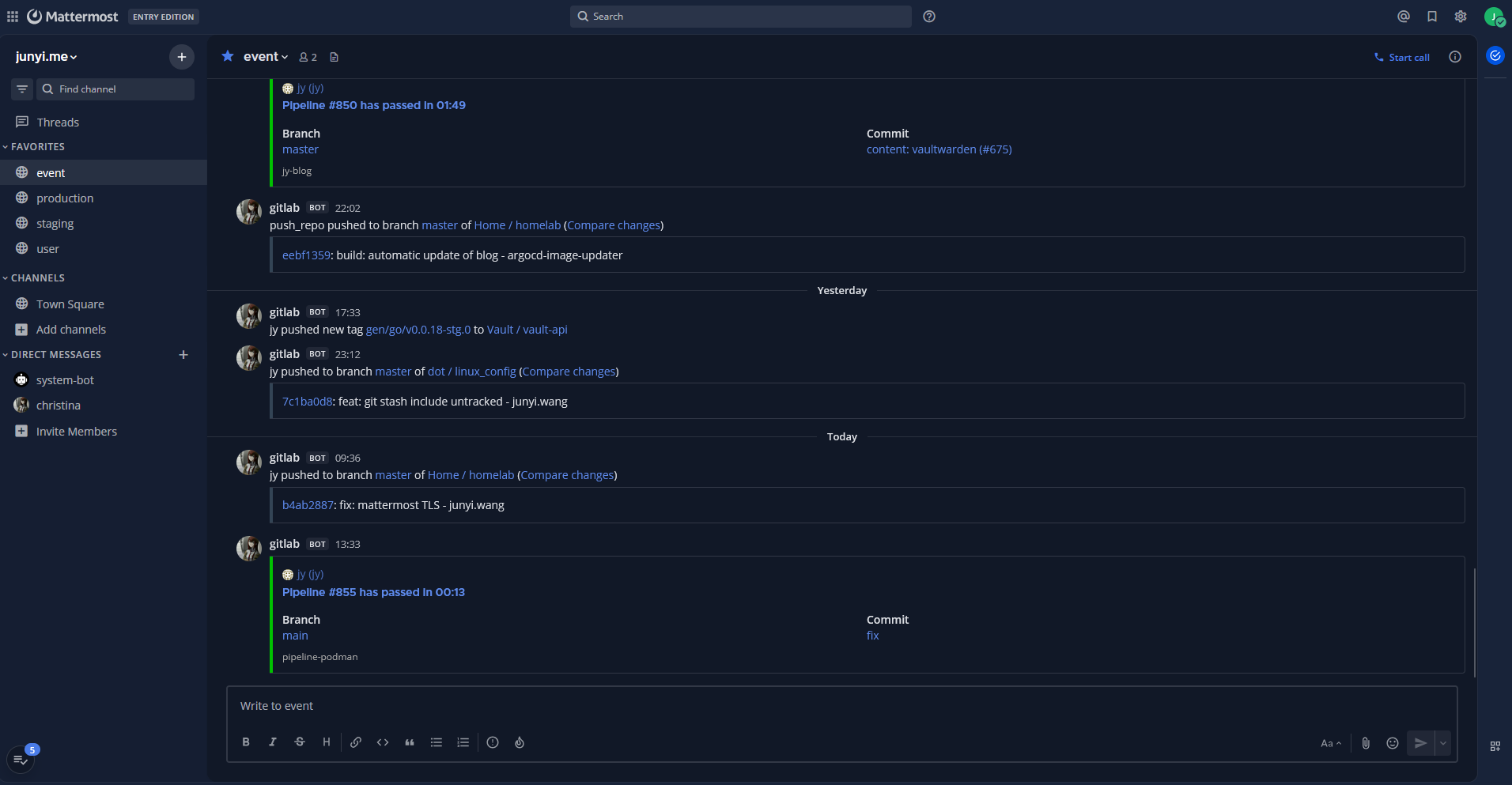
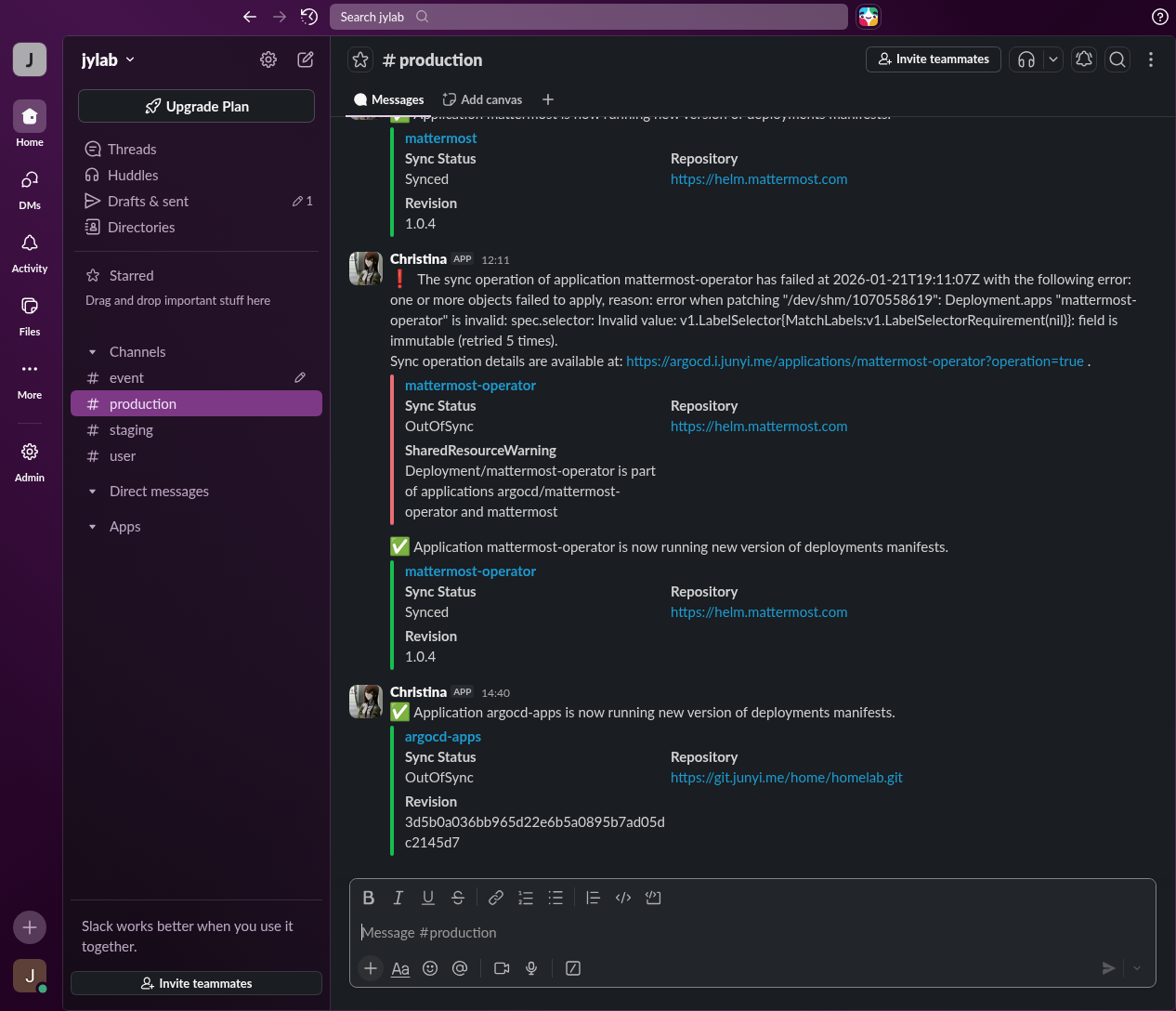
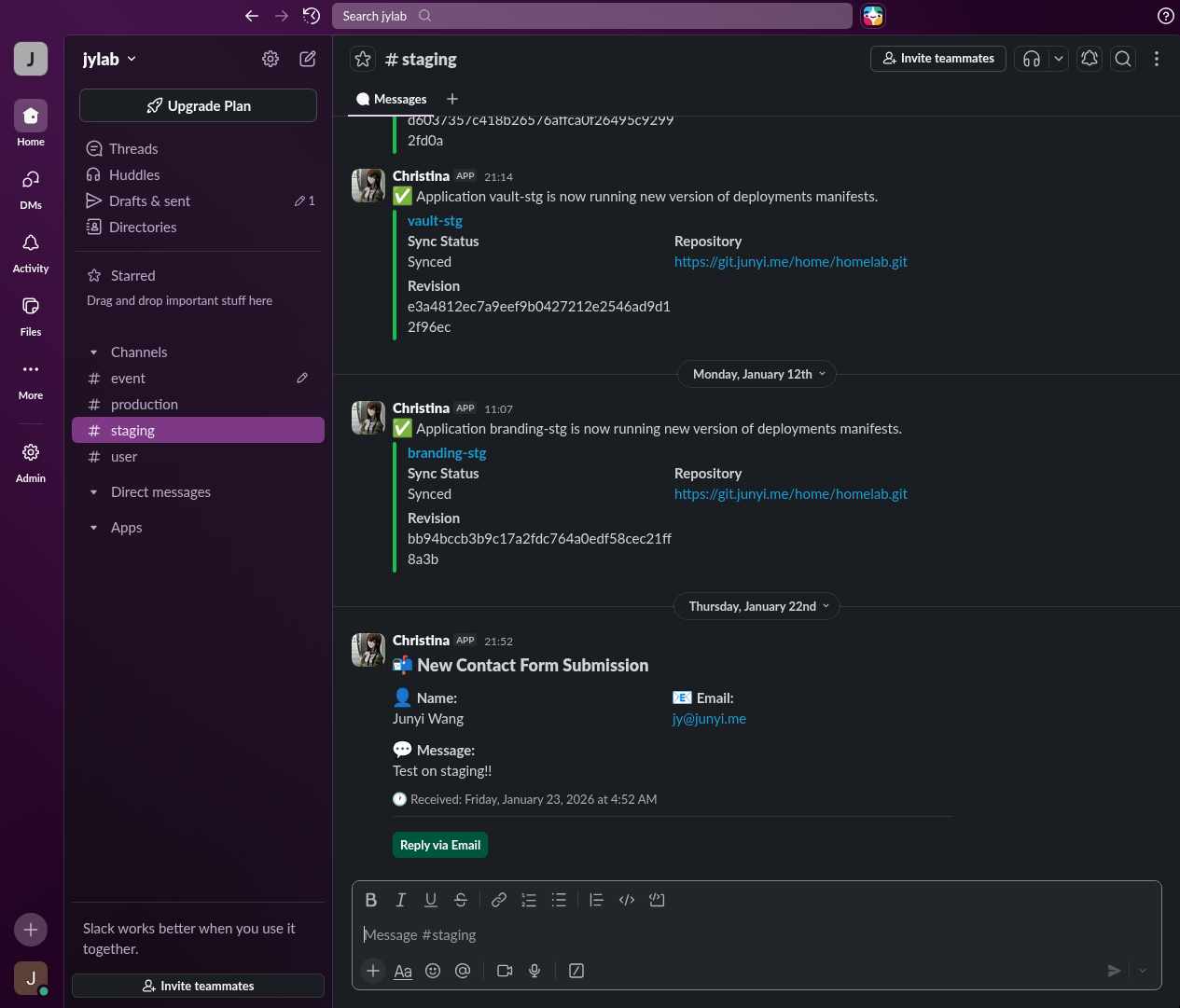
Slack had been handling all notifications from my home lab for quite some time now, but it’s time for a change.
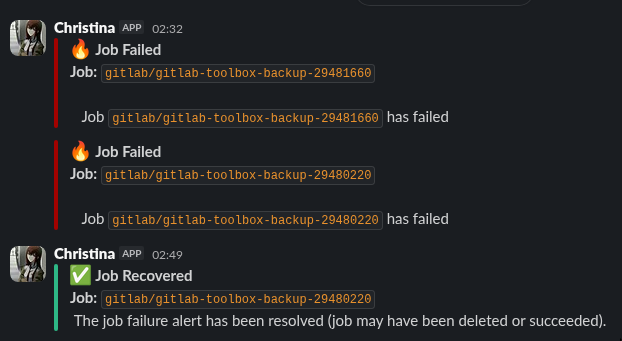
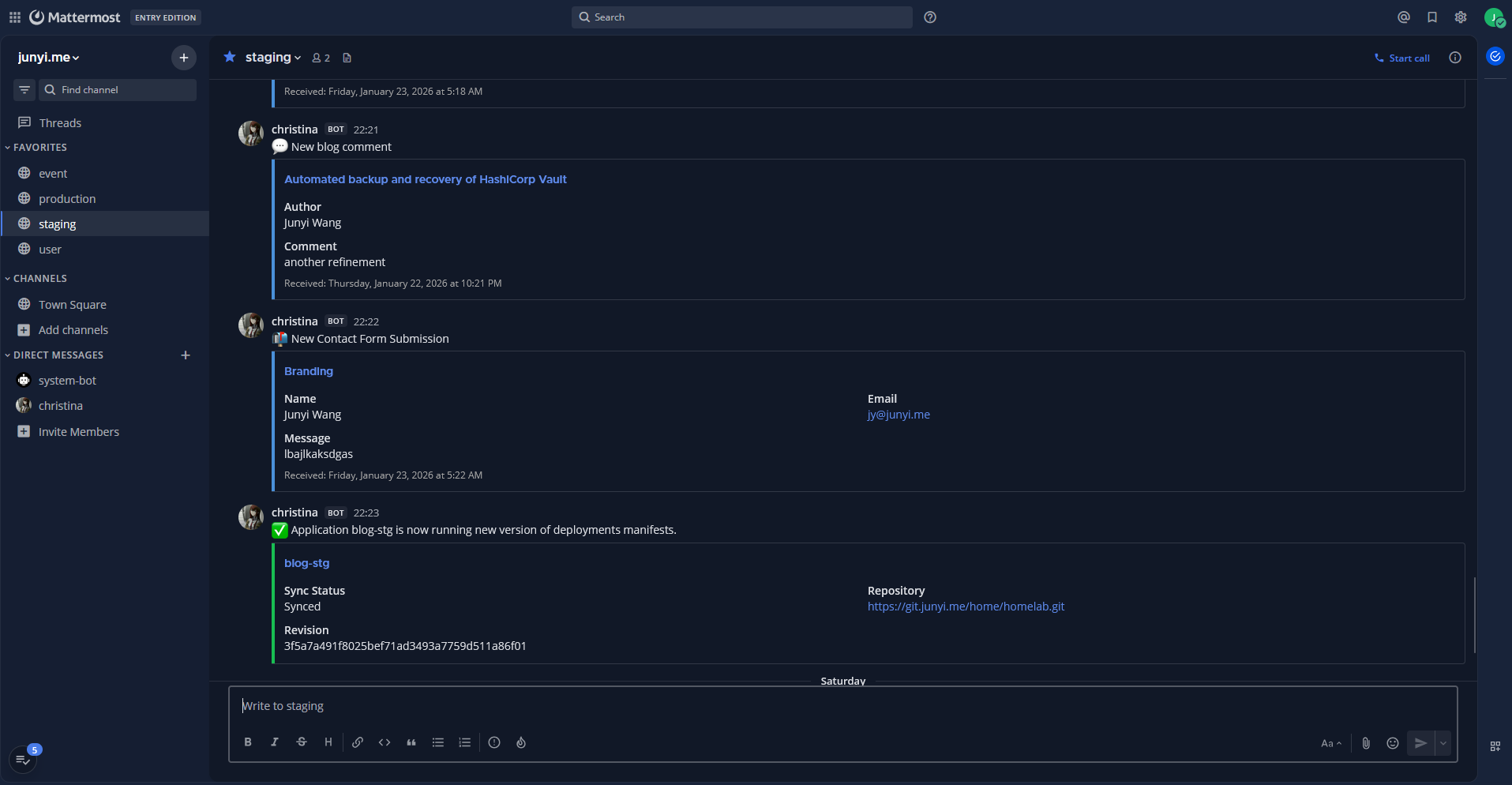
Mattermost had always been on my radar as a self-hosted alternative to Slack, and I finally had a chance to try it out.
Environment
- Kubernetes cluster: v1.33.3+k3s1
- ArgoCD: 9.1.4
- HashiCorp Vault: 0.31.0
- External Secrets Operator: 1.2.0
- CloudNativePG: 0.26.1
- cert-manager: v1.18.0
To be deployed:
Deployment
Mattermost can store its data in PostgreSQL, and attachments in an S3-compatible object storage. So I went with my existing CloudNativePG cluster for the database, and Ceph RGW for object storage.


Secrets
I set up a database in CloudNativePG for Mattermost, and then put in these credentials in Vault:
mattermost/db
|
|
For object storage, I created an access key and secret key in Ceph RGW, and stored them in Vault as well:
mattermost/object
|
|

secret.yml
|
|
Mattermost Operator
Mattermost Operator is an official and recommended way to deploy Mattermost on Kubernetes. I was surprised when I first found out the existence of it, since I didn’t know Mattermost pushed for Kubernetes adoption that much.
As most things in my cluster, I deployed it with ArgoCD:
vaultwarden/db
|
|
I always like to pin down the image tags for better reproducibility, but in this case since I already had Helm chart version specified, it might have been redundant. Left it there anyway as it probably doesn’t hurt either.
Mattermost deployment
I liked this part of the deployment process as well. It felt like the Mattermost CRD abstracted away a lot of things, but still allowed me to tweak what I needed, such as external secrets and ingress.
vaultwarden/db
|
|
I’m setting MM_SERVICESETTINGS_ENABLEPOSTUSERNAMEOVERRIDE and MM_SERVICESETTINGS_ENABLEPOSTICONOVERRIDE to true so that notifications from other services can have custom usernames and icons, instead of the ones defined during bot/integration creation.
Mattermost Setup
OIDC with Authentik
After logging in for the first time, the first thing I did was to set up OIDC authentication with Authentik, and then I disabled sign-ups.
For some strange reason, the Authentik guide instructs to use “gitlab” as the service provider, so that was what I did. Everything else was pretty standard OIDC config.
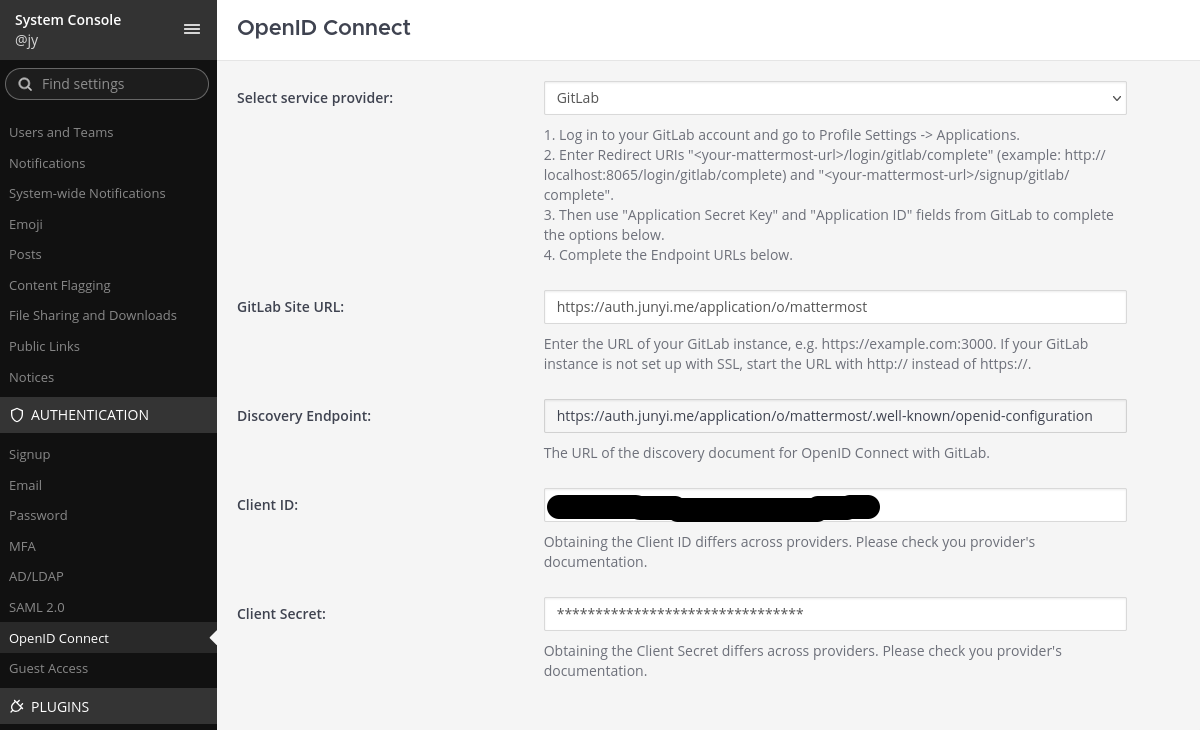
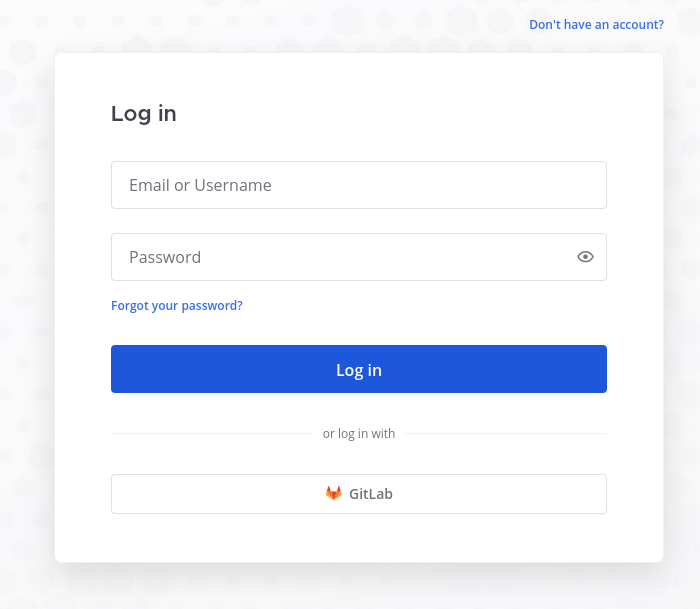
It worked, except that it shows up as “GitLab” on the login screen. I can live with that.
Mobile push notifications
One thing the base (Mattermost Entry) plan lacks is production-ready mobile push notifications.
Mattermost Enterprise, Professional, and Cloud customers can use Mattermost’s Hosted Push Notification Service (HPNS).
I don’t have any sensitive data in my notifications, so I just proceeded with Mattermost’s TPNS (Test Push Notification Service).
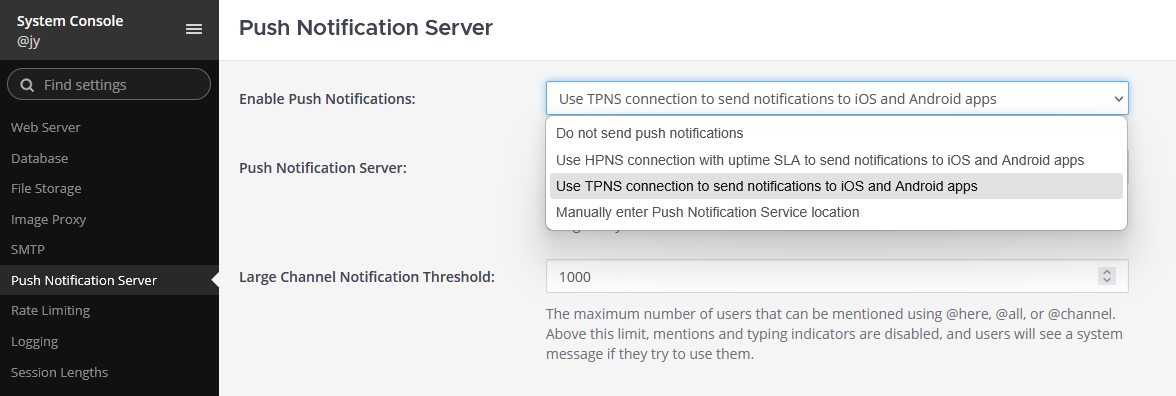
Seems like it’s possible to self-host a notification server without that much effort, so this definitely something to explore in the future.
Service integrations
I had a few services to migrate from Slack to Mattermost:
- ArgoCD notifications
- Prometheus Alertmanager alerts
- GitLab notifications
- Remark42 (comments on this blog)
- My personal website’s contact form
Bot account and incoming webhooks
As I previously did for Slack, I created a bot account and some incoming webhooks in Mattermost for these services to use.
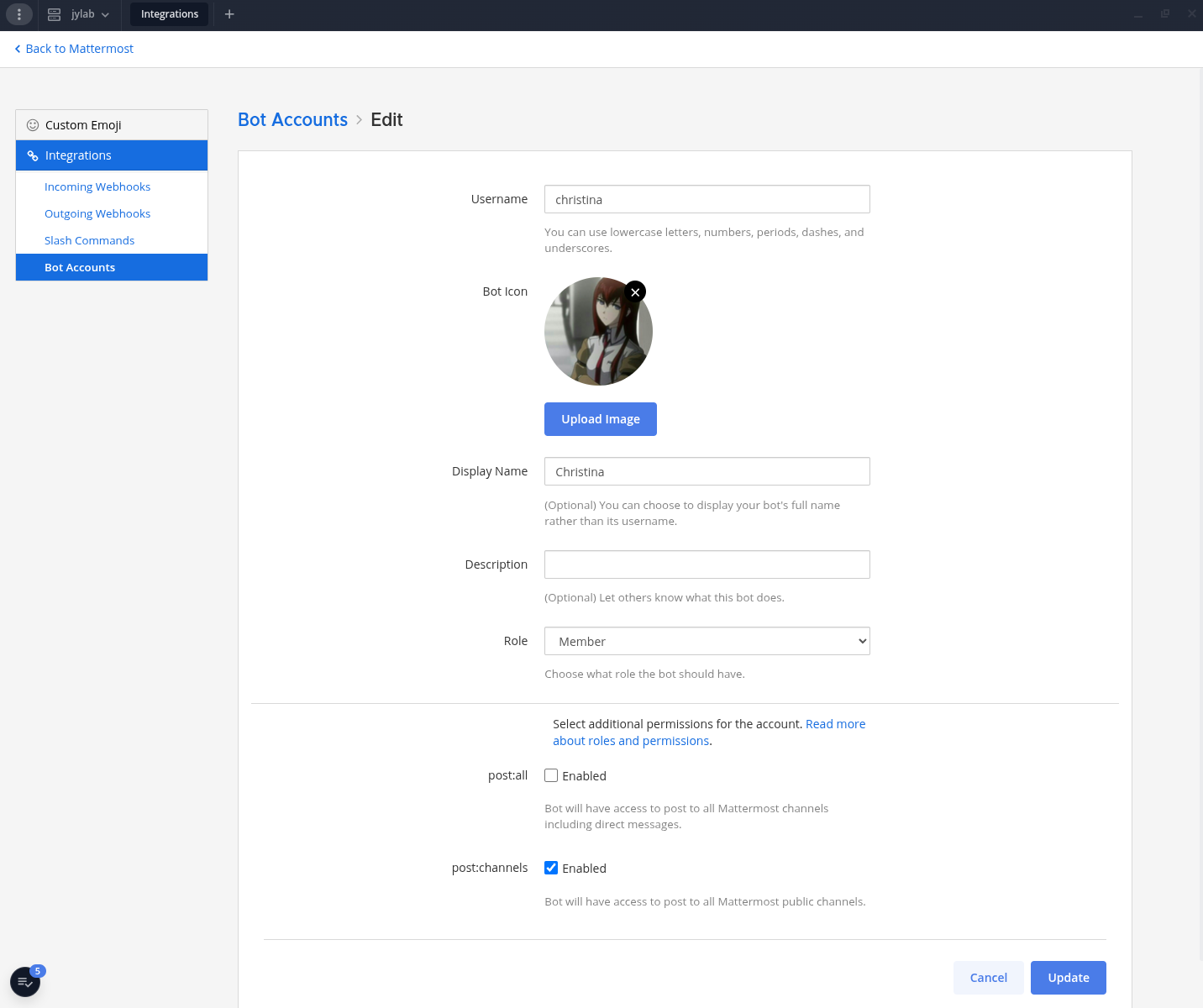
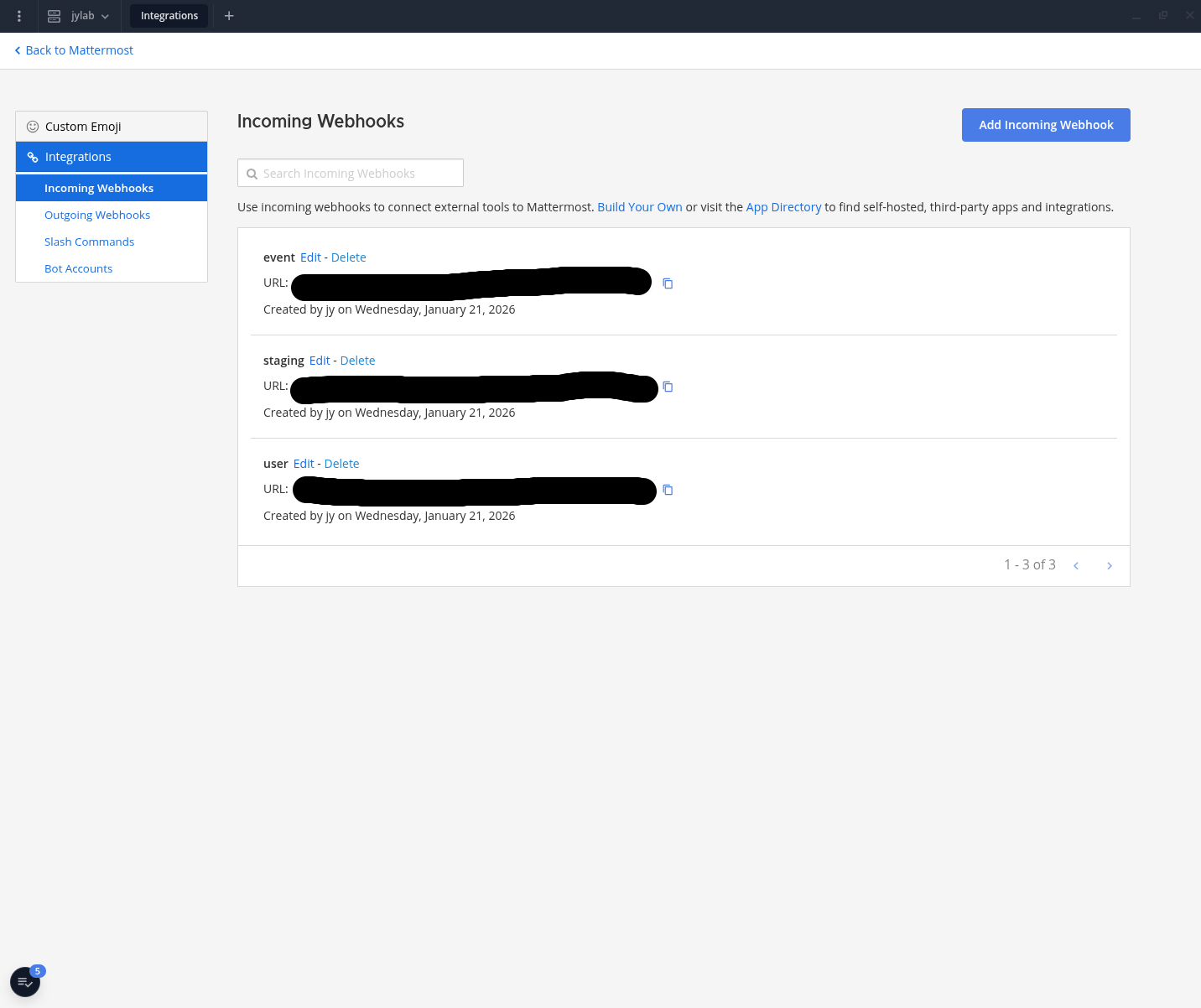
One minor difference in Mattermost is that webhooks cannot be associated with bot accounts. Instead, their messages would appear to be sent by the user who created the webhook.
Just to keep things consistent (at least visually), I configured all webhooks to use the bot account’s name and profile picture.
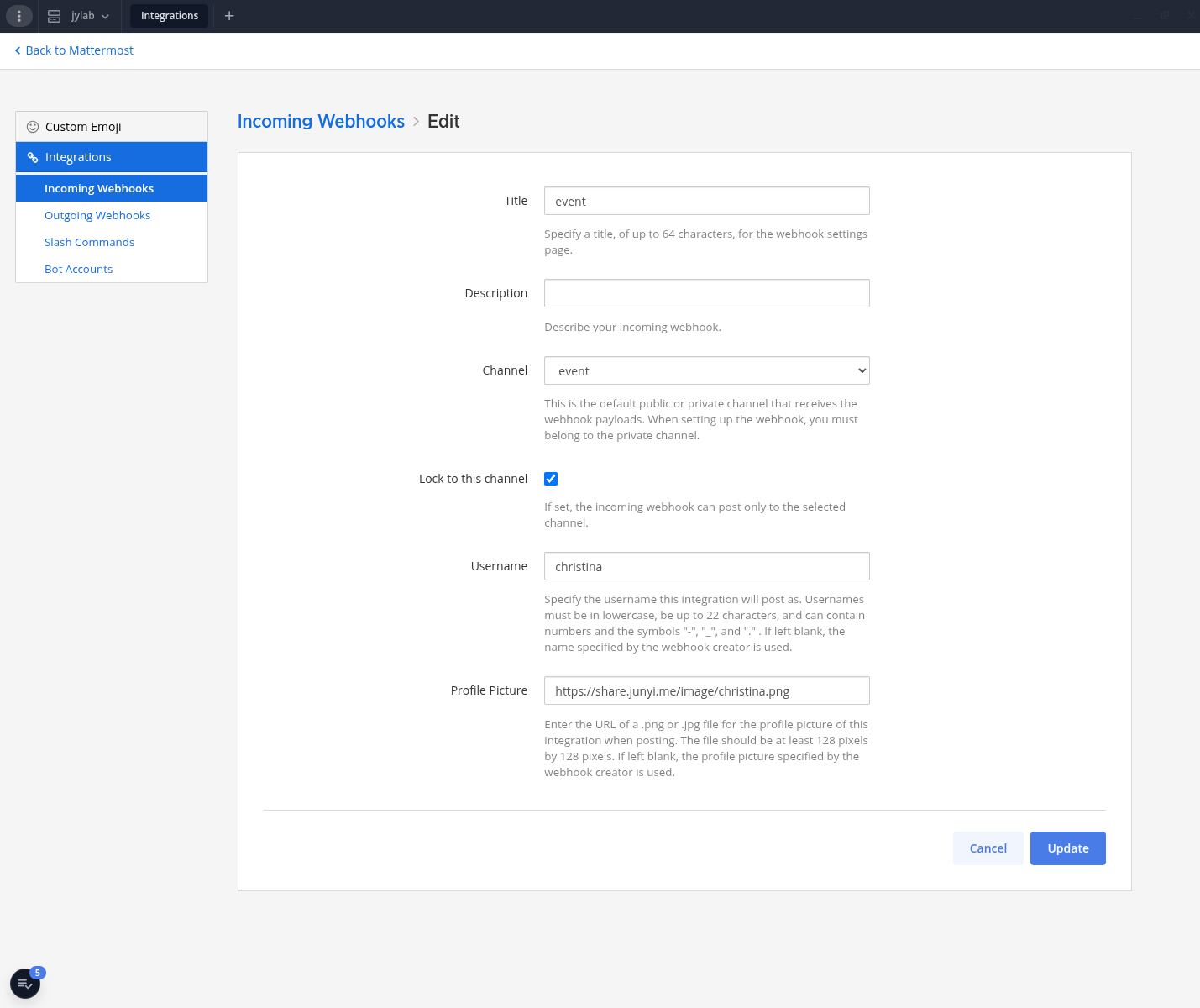
Mattermost had a pretty good documentation on Incoming webhooks, including how to interact with it with HTTP calls and configure parameters like username and icon.
ArgoCD
ArgoCD has built-in support for Mattermost notifications with argocd-notifications. I just had to change a few places in the helm values from Slack to Mattermost.
Also, the annotations for each ArgoCD applications needed to be updated to work with notifications to Mattermost, which is demonstrated in the diff above. Mattermost uses channel IDs instead of names, which could be found from the channel details.
Prometheus Alertmanager
Prometheus Alertmanager doesn’t directly support Mattermost, but since Mattermost’s incoming webhooks are compatible with Slack’s, I just changed the webhook URL in Alertmanager’s config.
GitLab
Just like ArgoCD, GitLab has built-in support for Mattermost notifications. I went to Admin area > Instance-level integration management on my instance of GitLab, disabled Slack integration, and enabled Mattermost integration instead.
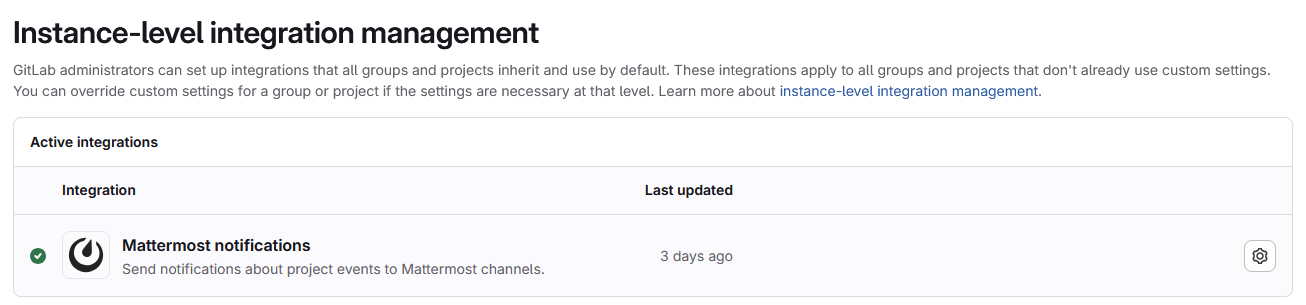
The rest of configuration was pretty self-explanatory.
Remark42 (blog comments)
For Remark42, it supports webhooks for notifications. I was using a plain k8s deployment for it, so I just followed the official docs’ “WebHook admin notifications” section, and ended up with these environment variables:
|
|
Personal website
My personal website junyi.me had a contact form that notifies me via Slack each time a message is submitted by a visitor. Since I control the source code for this one, I just added an environment variable to enable Mattermost notifications, like so:
and so: feat: replace slack with mattermost (#621)
Outcome
Tested everything out, and so far, LGTM.