
Featured image of post Rust development environment setup with Neovim

Rust development environment setup with Neovim

I have been curious about the Rust programming language for a while now, with all the hype around its performance and safety features. Recently I joined a new team in my company that uses Rust for some of their projects, so I took the opportunity to dive into it.

The first step is of course to set up my development environment.

Environment

My Neovim LSP and DAP configurations are managed using

  1. mason.nvim for managing external tools
  2. lsp-zero.nvim for LSP configuration (I’m lazy and I like their defaults)
  3. nvim-dap for debugging

LSP

As the official guide book suggests, I installed Rust using rustup.

1
curl --proto '=https' --tlsv1.2 https://sh.rustup.rs -sSf | sh
warning

Make sure to uninstall any previous versions of Rust before installing with rustup.

rust-analyzer was the only thing I needed from mason to get LSP working for Rust.

DAP

For debugging, I installed codelldb from mason. Here is my nvim-dap configuration for Rust:

 1
 2
 3
 4
 5
 6
 7
 8
 9
10
11
12
13
14
15
16
17
18
19
20
21
22
23
24
25
26
27
28
29
30
31
32
dap.adapters.codelldb = {
    type = 'server',
    port = '${port}',
    executable = {
        command = vim.fn.expand('~/.local/share/nvim/mason/packages/codelldb/codelldb'),
        args = {'--port', '${port}'},
    }
}
dap.configurations.rust = {
    {
        name = 'Launch file',
        type = 'codelldb',
        request = 'launch',
        program = function()
            -- Automatically compile before debugging
            vim.notify('Building Rust project...', vim.log.levels.INFO)
            local result = vim.fn.system('cargo build 2>&1')
            if vim.v.shell_error ~= 0 then
                vim.notify('Build failed:\n' .. result, vim.log.levels.ERROR)
                    return nil
                    end
                    vim.notify('Build successful', vim.log.levels.INFO)

                    local cwd = vim.fn.getcwd()
                    local folder_name = vim.fn.fnamemodify(cwd, ':t')
                    return cwd .. '/target/debug/' .. folder_name
                    end,
                    cwd = '${workspaceFolder}',
                    stopOnEntry = false,
                    console = 'integratedTerminal',
    },
}

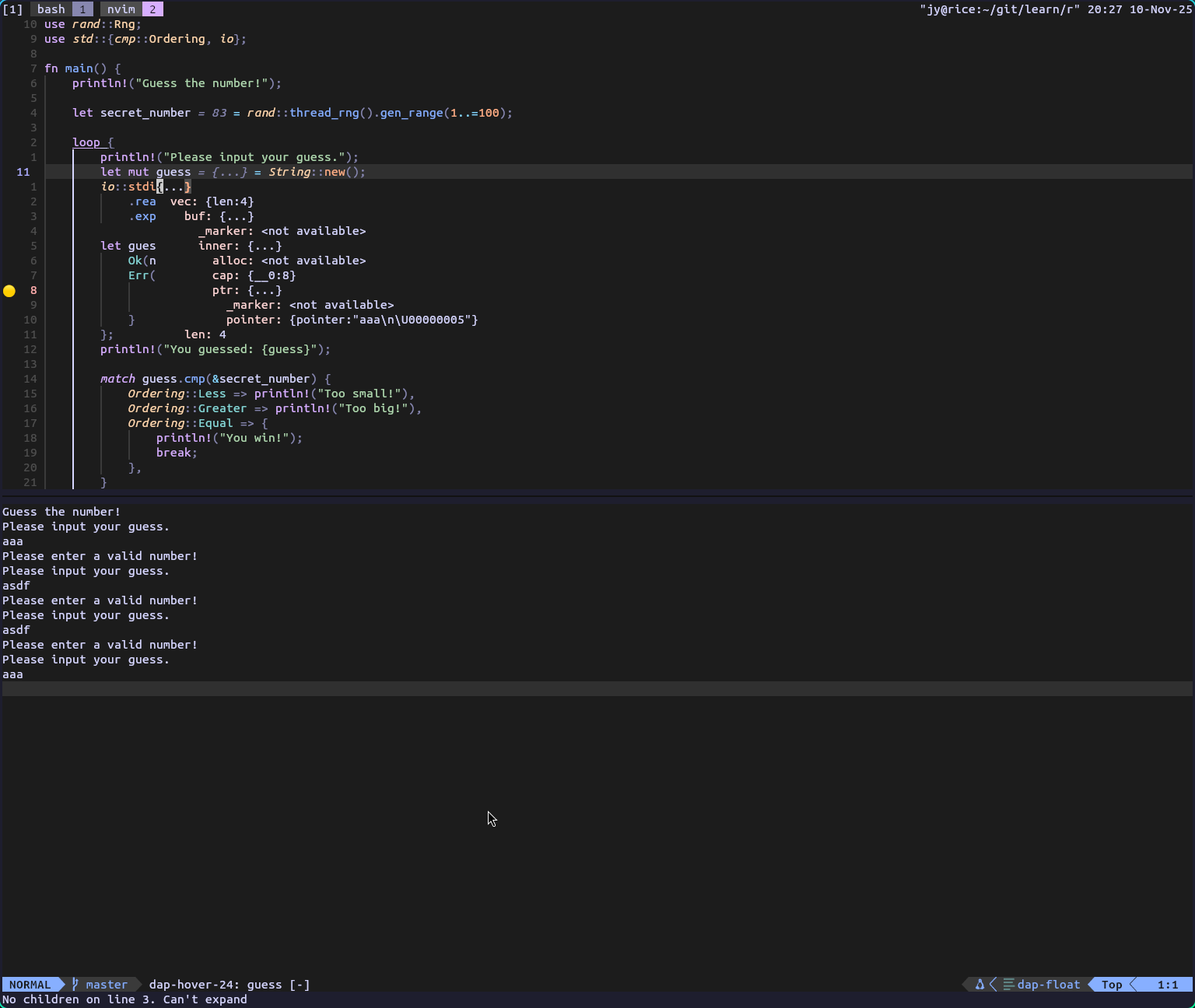
With this, I was able to start Rust debugging sessions directly from Neovim, just like with other languages.

Since I’m exclusively working with Cargo projects, I just hard-coded the cargo build command and build output path into my configs. Things might change in the future.

Conclusion

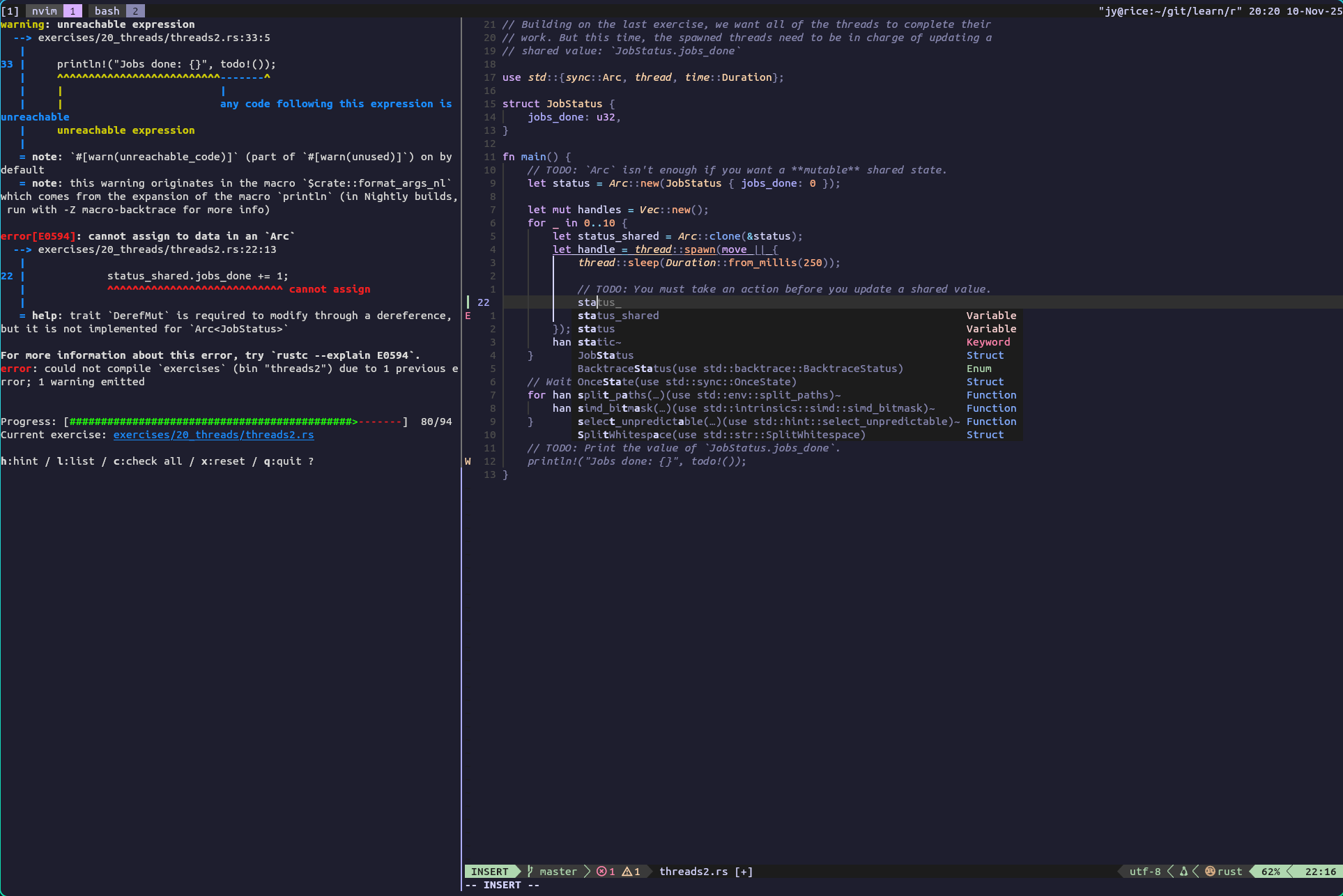
I’m happy about how little config I had to do get Rust development working in Neovim. So far it’s working great wrestling with Rustlings.
Rustlings

Debugging

Built with Hugo
Theme Stack designed by Jimmy